FILE 01
Interface preview
Eight views into the control room: the popup, the dashboard, and every module in between.
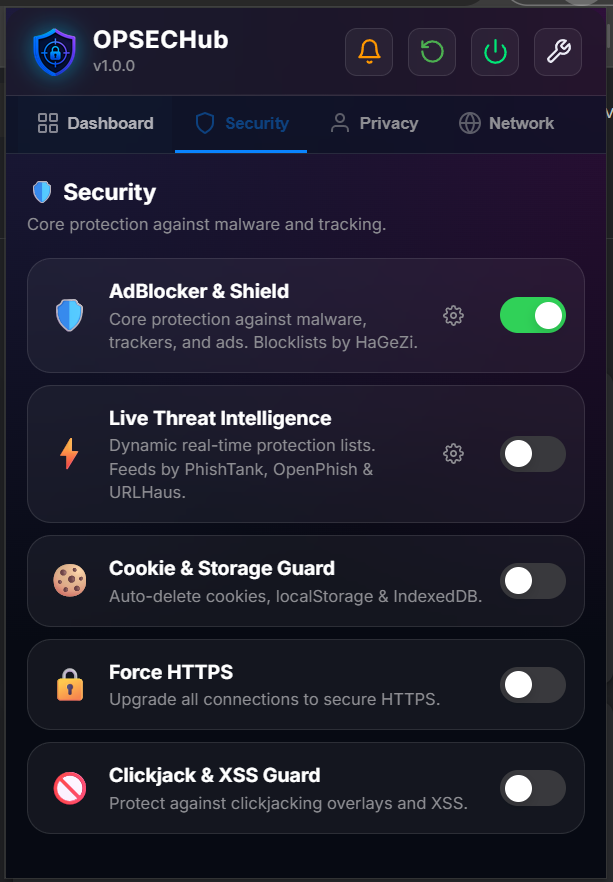
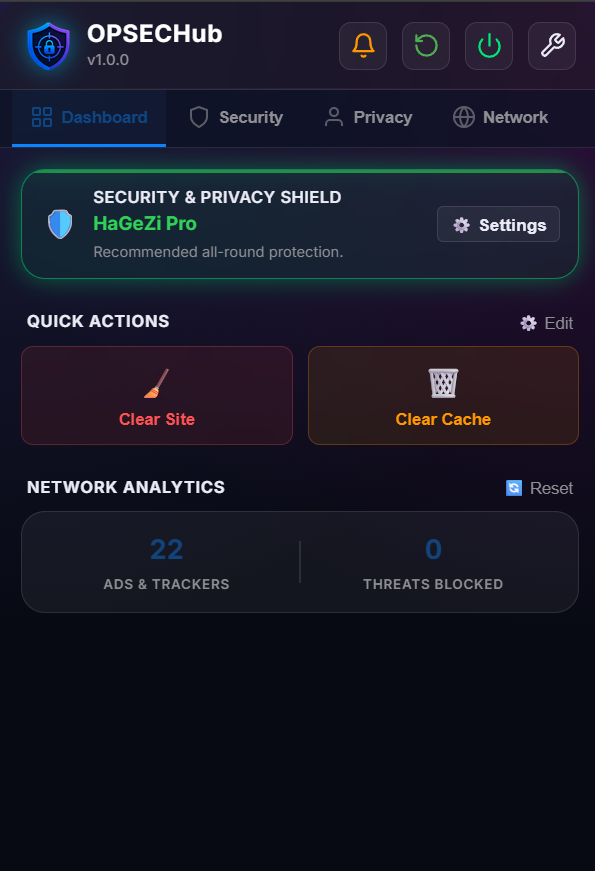
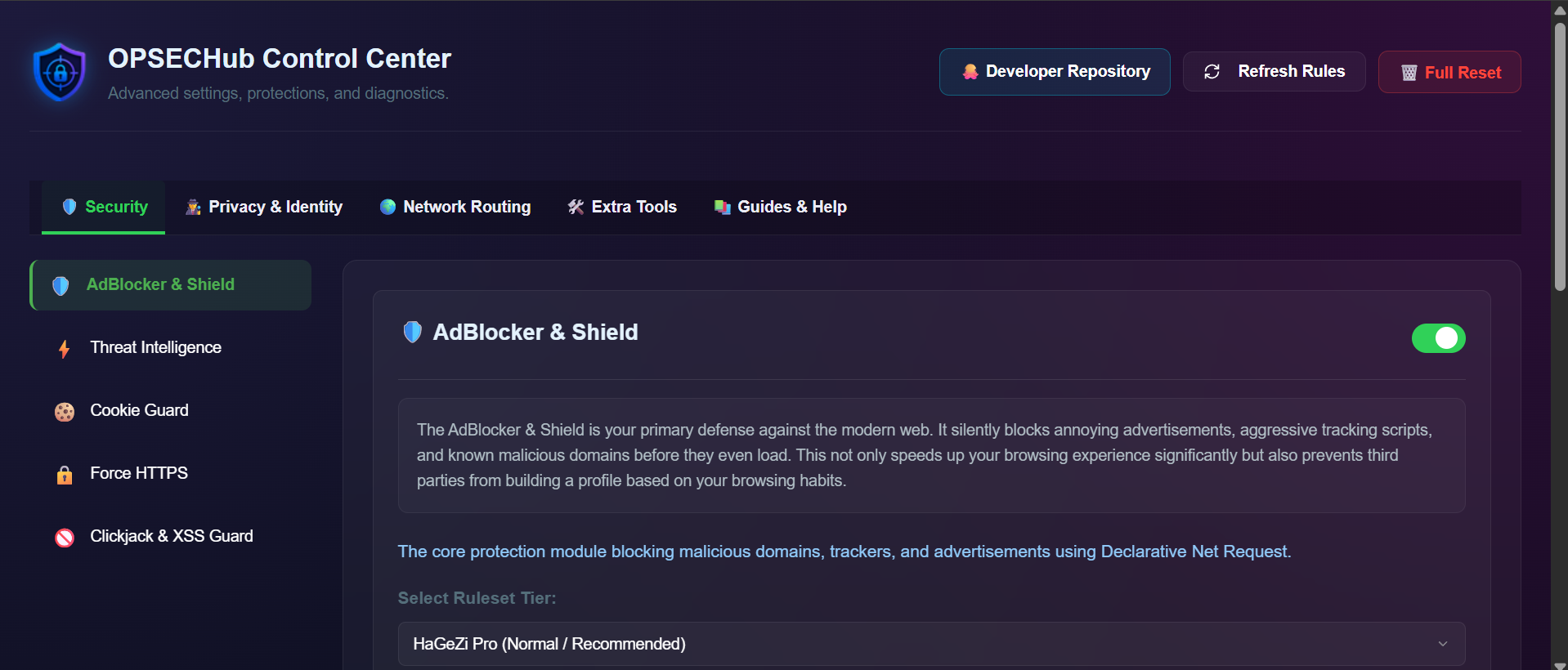
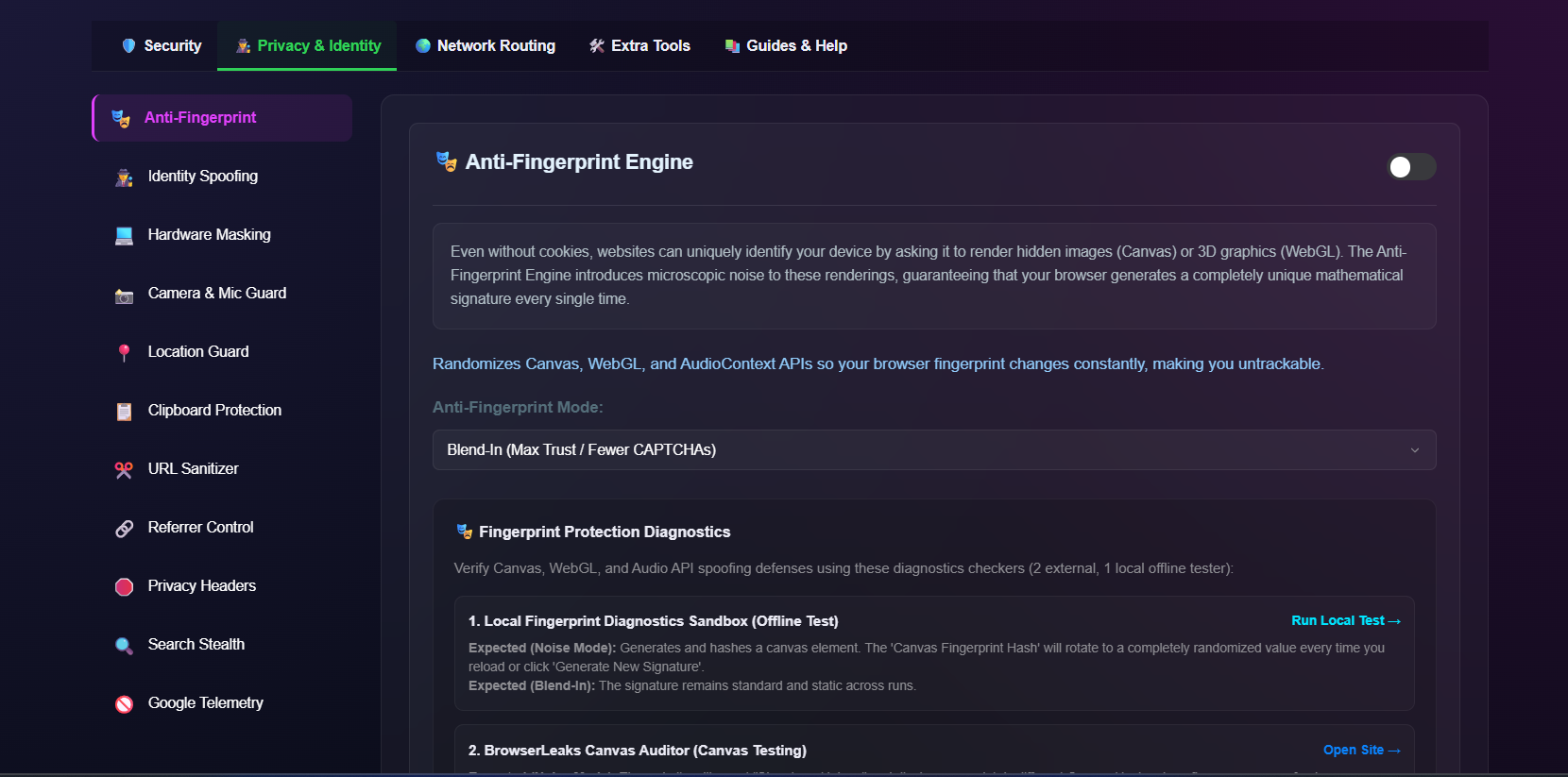
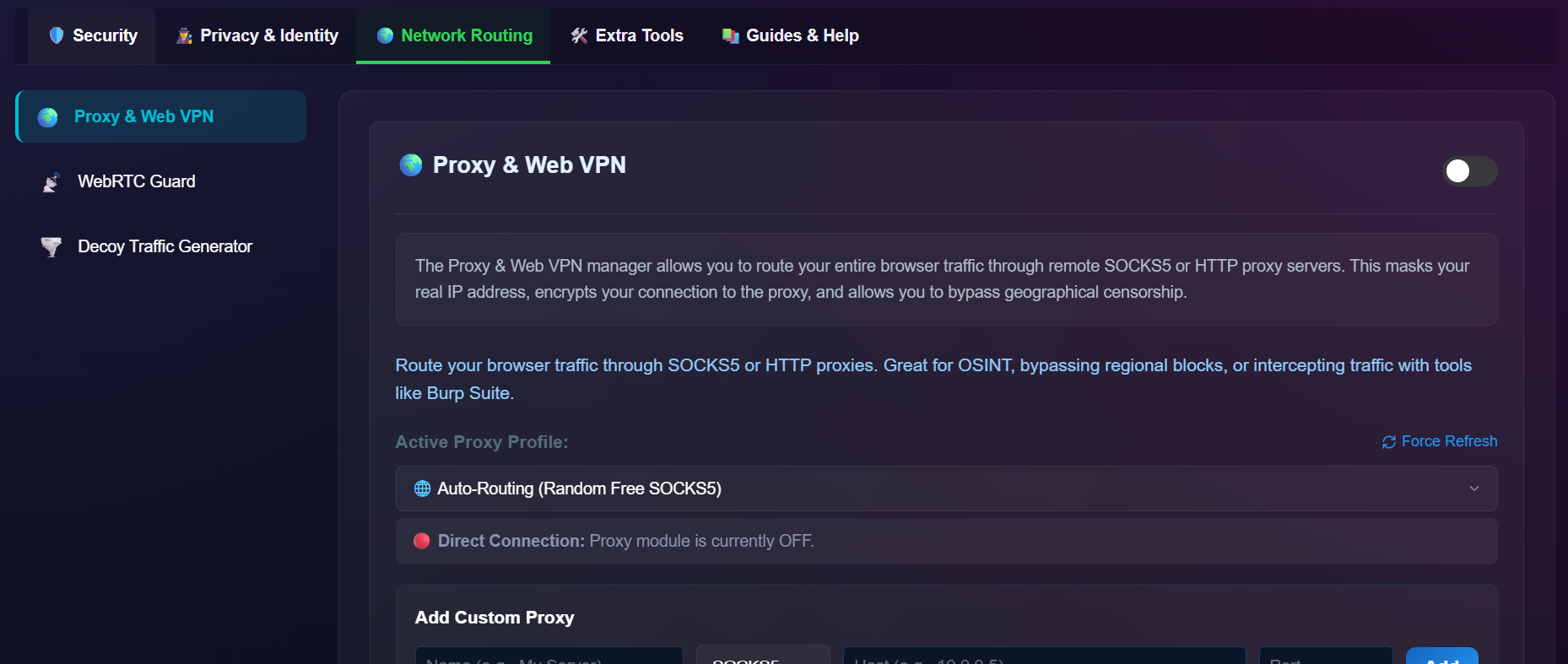
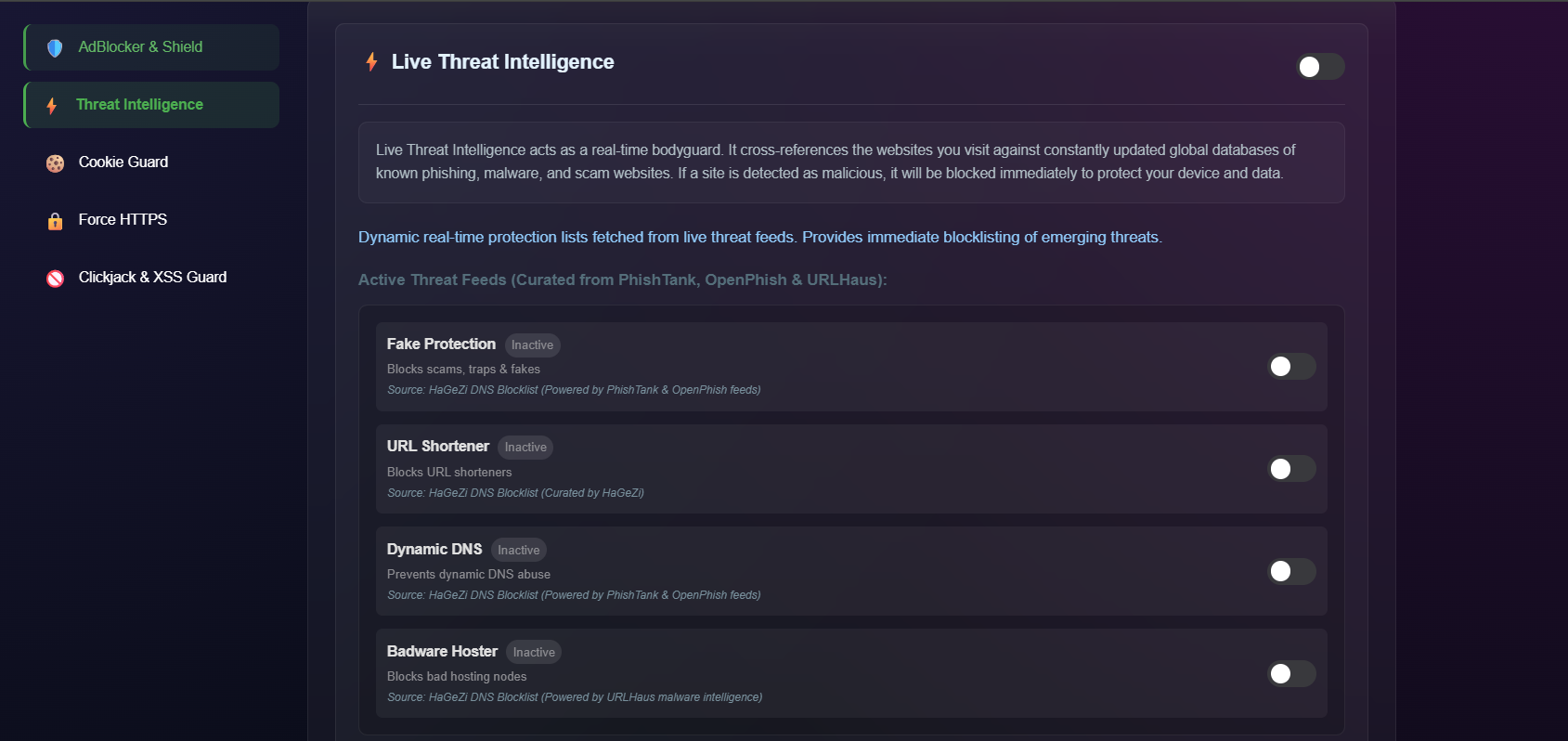
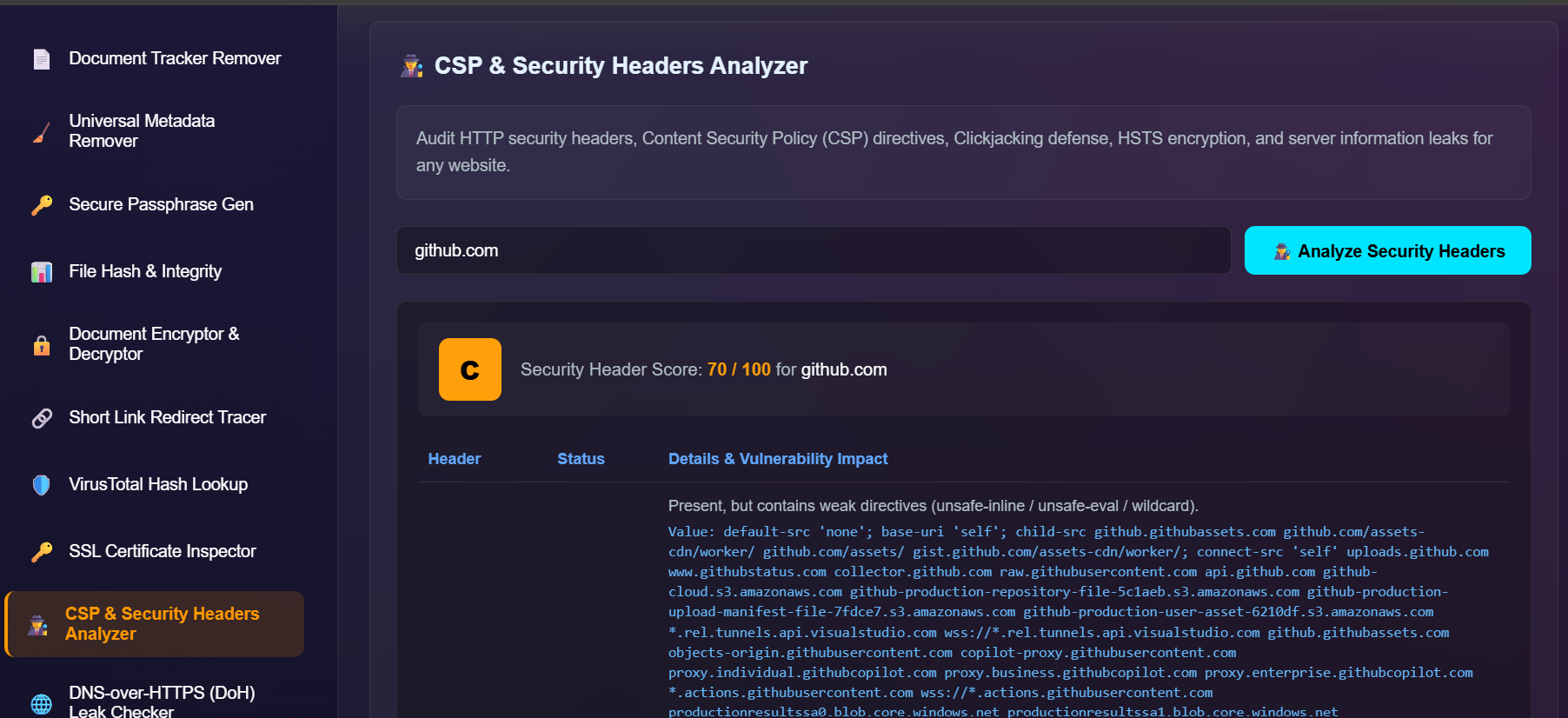
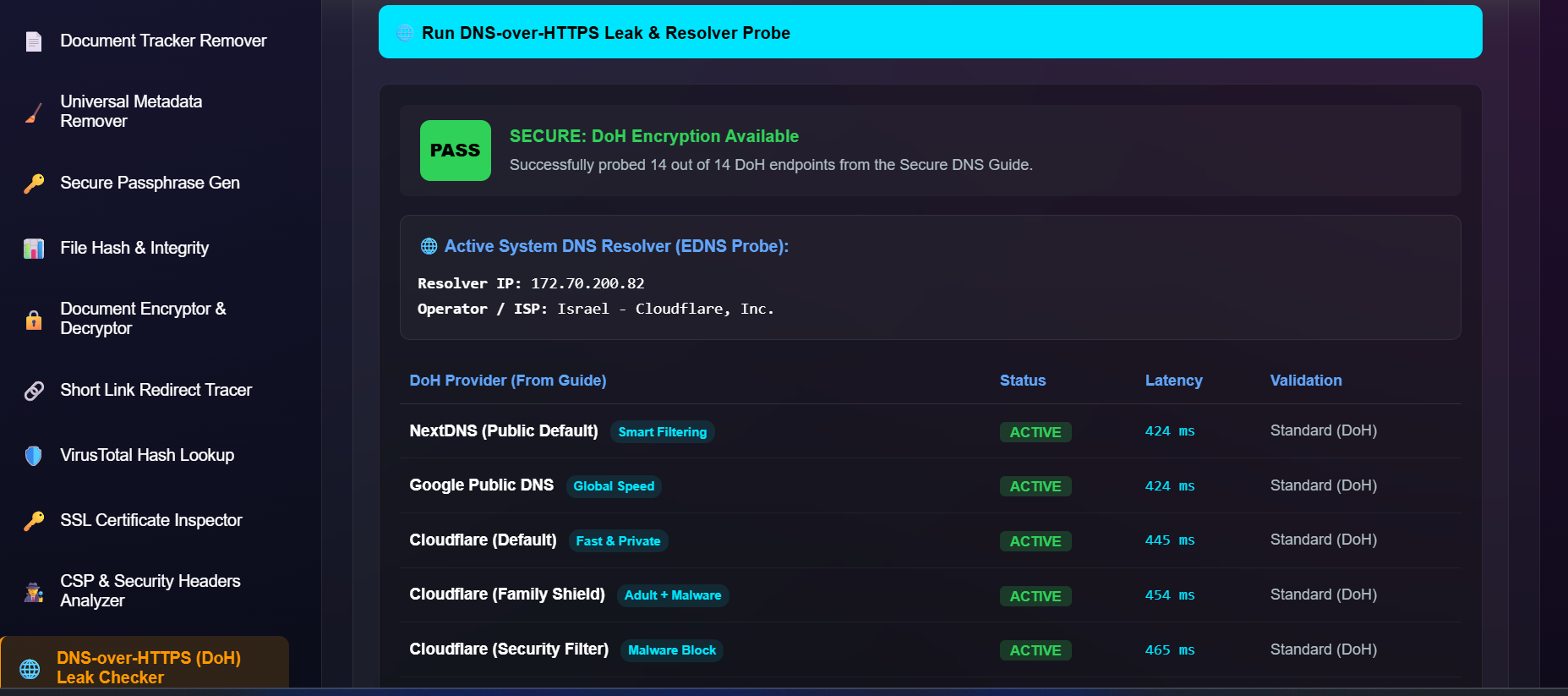
OPSECHub is a zero-telemetry OPSEC and privacy suite for OSINT analysts, cybersecurity professionals, and anyone who'd rather not leak a fingerprint with every request. Adblocking, live threat intel, anti-fingerprinting, proxy routing, and a full toolkit for document sanitization — bundled into one extension.
Eight views into the control room: the popup, the dashboard, and every module in between.
A DeclarativeNetRequest core shield sits underneath everything — five tiered rulesets, dynamic threat feeds, and hardened defaults out of the box.
Five tiered rulesets — Light, Multi, Pro, Pro Plus, Ultimate — from basic to aggressive, backed by HaGeZi DNS blocklists.
Dynamic blocklists pulled from PhishTank, OpenPhish, and URLHaus stop fake-protection scams, dynamic-DNS abuse, and known badware hosts.
Third-party tracking cookies, LocalStorage, and IndexedDB entries are wiped automatically the moment a tab closes.
Insecure HTTP requests are intercepted and upgraded to encrypted HTTPS before they leave the browser.
Blocks malicious iframe framing and cross-site scripting attempts before they can execute.
Every rule, feed, and threshold is visible and editable from the dashboard — nothing runs as a silent background process.
Fingerprinting doesn't need cookies. OPSECHub masks the hardware and behavioral signals sites use to re-identify you across sessions.
Neutralizes Canvas and WebGL fingerprinting with a choice of Blend-In or Block modes.
Rotate your User-Agent across Windows Chrome, Mac Safari, Linux Firefox, iOS Safari, and Android Chrome on demand.
Spoofs CPU core count, RAM stats, and GPU renderer strings to defeat hardware-based profiling.
utm_*, fbclid, and hidden zero-width tracking charactersSec-CH-UA-Full-Version-List, X-Client-DataSanitizes search queries across major engines and strips background telemetry pings — including sendBeacon audit calls to Google.
Where your traffic actually goes, and what it looks like from the outside.
Built-in proxy manager with one-click toggling across HTTP, HTTPS, and SOCKS5 endpoints.
Enforces strict WebRTC routing so local and public IPs can't leak through STUN/TURN queries.
Generates background decoy traffic to blur your real browsing pattern from ISPs and local network observers.
Ten investigation-desk utilities that usually live in ten different tabs, folded into the sidebar.
Scans and strips tracking pixels, phone-home URLs, and macros from PDFs and Office files.
Cleans hidden EXIF metadata from images and files.
Generates high-entropy, memorable passphrases.
Computes exact SHA-256 / MD5 checksums for verification.
Encrypts and decrypts sensitive text or documents.
Safely traces shortened URLs without executing their payload.
Checks file hashes against the VirusTotal database.
Surfaces deep detail on a target server's SSL/TLS certificate.
Scores HTTP security headers — CSP, HSTS, X-Frame-Options — from A+ to F.
Probes 14 top secure-DNS providers and measures real-time latency.
OPSECHub runs on a zero-telemetry, privacy-first architecture. Every Manifest V3 permission below exists for a specific, disclosed reason.
| Permission | Type | Why it's needed |
|---|---|---|
| declarativeNetRequest | Required | Powers the core adblocker shield for domain & tracker blocking. |
| declarativeNetRequestWithHostAccess | Required | Applies rulesets across external domains. |
| declarativeNetRequestFeedback | Required | Reports compiled rule stats and blocked-item counts. |
| webRequest | Required | Intercepts background tracking pings and telemetry beacons. |
| proxy | Required | Runs the built-in proxy manager over HTTP/SOCKS5. |
| privacy | Required | Enforces WebRTC routing policy and referrer control. |
| cookies / browsingData | Required | Lets the cookie guard auto-clean tracking data on tab close. |
| scripting / activeTab | Required | Injects anti-fingerprint noise and the header analyzer. |
| tabs / webNavigation | Required | Applies the URL sanitizer and checks domain allowlists. |
| contentSettings | Required | Manages per-site camera, mic, and geolocation permissions. |
| clipboardWrite | Required | Enables one-click copy of passphrases, hashes, and sanitized URLs. |
| storage / alarms | Required | Persists preferences locally and schedules decoy traffic. |
| downloads | Optional | Exports diagnostic reports and sanitized files. |
| <all_urls> | Host access | Enforces threat-intelligence blocking across every domain you visit. |
Developer mode, unpacked — five minutes, no store review queue.
Download the latest Source code (zip) from the Releases page, or clone directly:
git clone https://github.com/tomsec8/OPSECHub.git
Run the updater utility once to download and convert the latest blocklists into Chrome MV3 format:
python tools/updater.py
In Chrome, navigate to chrome://extensions and enable Developer mode in the top right.
Click Load unpacked and select the OPSECHub/ folder.
Pin OPSECHub to the toolbar for one-click access to the control center.
To keep static rulesets synced with upstream blocklist releases later on, re-run python tools/updater.py — it re-converts raw blocklists into MV3 rules and refreshes the metadata timestamps.
Built on the shoulders of a few excellent open feeds and libraries.